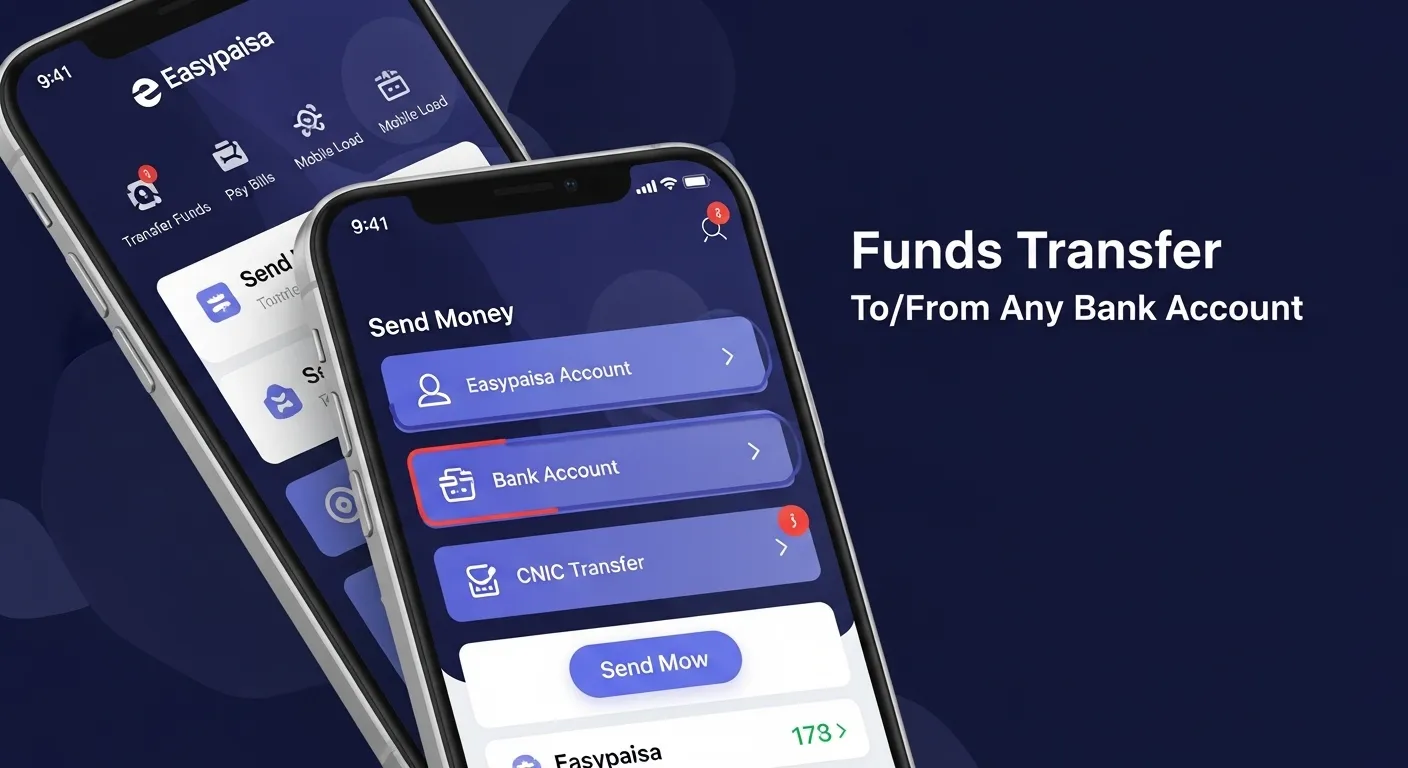
Easypaisa provides direct money transfer access between Easypaisa wallets and Pakistani bank accounts. Users send or receive funds without visiting a branch. Transfers work through mobile app, USSD service, and retail agents. Both personal and business users rely on this service for daily payments, salary movement, and bill settlements.
Main supported transfer directions:
- Easypaisa wallet to bank account
- Bank account to Easypaisa wallet
Supported Banks and Channels
At the moment, Easypaisa connects with major Pakistani banks through 1LINK and IBFT systems.
Banks Attach with Them:
- Habib Bank Limited
- United Bank Limited
- Meezan Bank
- MCB Bank
- Allied Bank
- Bank Alfalah
- Standard Chartered Pakistan
Transfer Channels
- Easypaisa mobile app
- *786# USSD menu
- Easypaisa retail outlets
Easypaisa Funds Transfer Charges (Wallet ↔ Bank)
Charges depend on transfer direction and amount. Easypaisa displays final fees before confirmation.
Wallet to Bank Account Charges
| Transfer Amount (PKR) | Service Fee (PKR) |
|---|---|
| 1 – 1,000 | 15 |
| 1,001 – 5,000 | 25 |
| 5,001 – 25,000 | 50 |
| 25,001 – 50,000 | 75 |
Bank Account to Easypaisa Wallet Charges
| Transfer Method | Charges |
|---|---|
| IBFT via bank app | Bank-defined |
| Easypaisa retail cash deposit | 0 – 30 PKR |
| ATM transfer | Bank-defined |
Banks apply separate IBFT fees based on internal policies.
Easypaisa Transfer Limits
Transfer limits depend on account level and verification status.
Daily transaction limits
- Level 0 wallet: up to PKR 10,000
- Level 1 wallet: up to PKR 50,000
- Level 2 wallet: up to PKR 200,000
Monthly limits
- Level 1: PKR 200,000
- Level 2: PKR 1,000,000
Limits reset automatically after defined periods.
Procedure: Easypaisa Wallet to Bank Account
This process uses the Easypaisa mobile app or USSD.
Mobile App Method
- Open Easypaisa app
- Select “Send Money”
- Choose “To Bank Account”
- Select bank name
- Enter IBAN or account number
- Enter transfer amount
- Review charges
- Confirm using PIN
USSD Method (786#)
- Dial *786#
- Choose “Send Money”
- Select “Bank Transfer”
- Enter bank details
- Enter amount
- Confirm transaction
Funds reach the bank through IBFT.
Procedure: Bank Account to Easypaisa Wallet
Users receive money into Easypaisa through multiple routes.
Via Bank Mobile App
- Open bank app
- Choose “Funds Transfer”
- Select “Other Bank”
- Enter Easypaisa IBAN
- Enter amount
- Confirm transaction
Via ATM
- Insert ATM card
- Select “Funds Transfer”
- Choose “Other Bank”
- Enter Easypaisa IBAN
- Enter amount
Via Easypaisa Retail Shop
- Visit nearby agent
- Provide mobile number
- Provide cash
- Agent completes deposit
Transfer Time Duration
Transfer timing varies by channel.
- IBFT transfers: near real-time
- Retail deposits: instant
- USSD transfers: instant to few minutes
Delays appear during system maintenance or network congestion.
Easypaisa IBAN Details
Each Easypaisa wallet receives a unique IBAN. This IBAN works like a standard bank account number.
IBAN usage benefits
- Direct salary receipt
- Bank-to-wallet transfers
- Online payment acceptance
IBAN details appear inside the Easypaisa app under account information.
Failed Transfer Handling
Easypaisa handles failed transactions through automated reversal systems.
Reasons
- Incorrect account number
- Insufficient balance
- Network interruption
Resolution steps
- Check transaction history
- Wait up to 24 hours
- Contact Easypaisa helpline
- Visit nearest retail agent
Reversals return funds to the source account.
Security Measures During Transfers
Easypaisa applies multi-layer protection during transactions.
Security Features
- PIN-based confirmation
- Transaction alerts
- Device verification
- Session timeouts
Users maintain safety by keeping PIN confidential and avoiding public Wi-Fi.
Advantages of Easypaisa Bank Transfers
- No branch visits
- Wide bank coverage
- Low transfer fees
- Fast processing
- Simple mobile access
This service supports both personal and commercial payment needs.
Points to Remember Before Sending Funds
- Verify IBAN or account number
- Confirm charges on preview screen
- Maintain sufficient wallet balance
- Use updated mobile app version
Following these steps reduces transfer errors.
Customer Support Options
Easypaisa provides assistance through multiple channels.
- Helpline: 3737 (Telenor) / 042-111-003-737
- In-app chat support
- Authorized Easypaisa retailers
Support teams guide users through transaction issues and reversals.
As a trusted digital payment platform, Easypaisa enables smooth money movement between wallets and Pakistani bank accounts. Charges remain transparent, limits remain flexible, and procedures remain user-friendly across digital and physical channels. This structure supports daily financial activities without traditional banking barriers.